wordpress

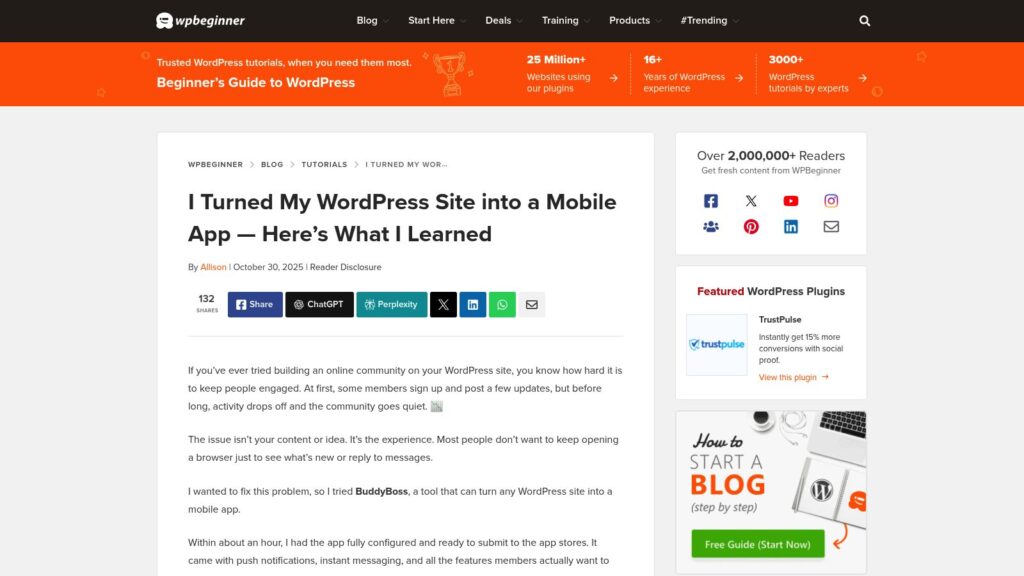
I Turned My WordPress Site Into a Mobile App — Here’s What I Learned

The article details the author's experience of turning a WordPress community website into a mobile app using the BuddyBoss App, highlighting its ease of setup, rich features like push notifications and instant messaging, and the significant engagement boost achieved. It provides a step-by-step guide on configuring the app, including connecting the WordPress site, setting up Apple Developer and Google Play accounts, and managing app store submissions, emphasizing BuddyBoss as a beginner-friendly solution for creating native iOS and Android apps without coding.

https://www.wpbeginner.com/wp-tutorials/turn-wordpress-site-into-an-app/

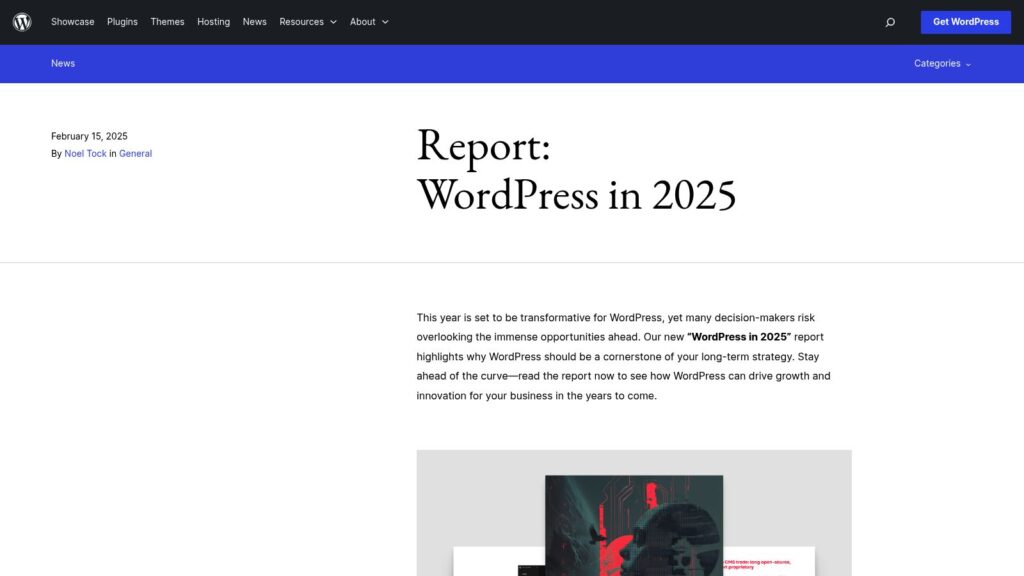
Report: WordPress in 2025

The “WordPress in 2025” report highlights the platform's growing significance as an open-source CMS poised for innovation and enterprise adoption, especially as proprietary CMS interest wanes. Key developments include significant enhancements to the Block Editor with over 34,000 commits, the introduction of Full Site Editing for no-code site building, and opportunities in AI-driven content systems, positioning WordPress as a pivotal tool for future growth and digital strategies.

https://wordpress.org/news/2025/02/wordpress-in-2025-report/

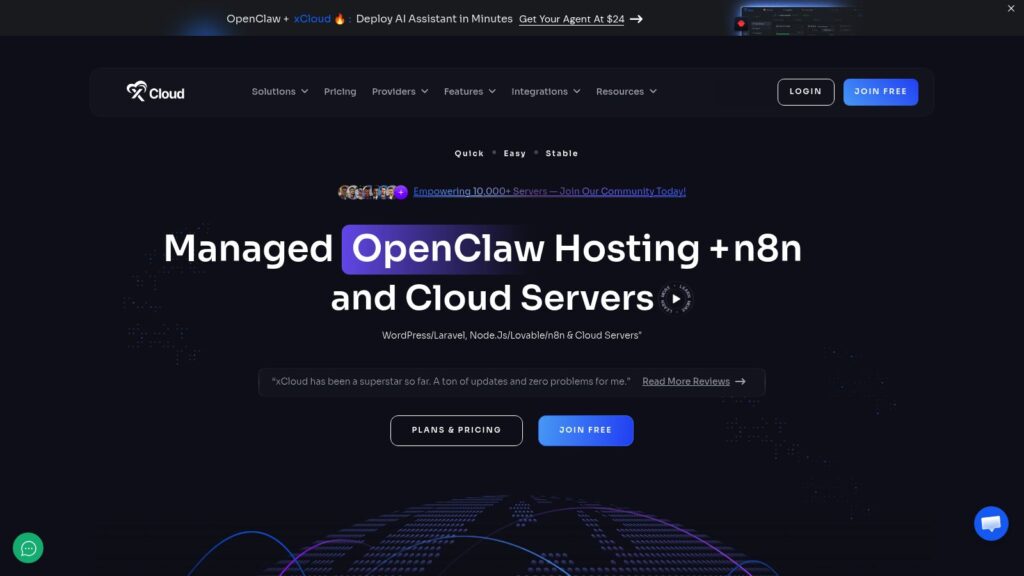
xCloud- Next-Gen Managed Hosting & Server Management for WordPress, Laravel & PHP Applications

xCloud offers a comprehensive, user-friendly cloud hosting platform enabling quick deployment of AI assistants with its managed OpenClaw hosting, along with support for WordPress, Laravel, Node.js, and other applications. It features one-click server deployments, automated updates, backups, security measures, and team collaboration tools, backed by global server coverage and high-performance infrastructure designed for stability, speed, and scalability. Pricing plans range from entry-level to premium, supporting both personal and enterprise needs with root access and a wide array of integrations and automation capabilities.

https://xcloud.host/

Home

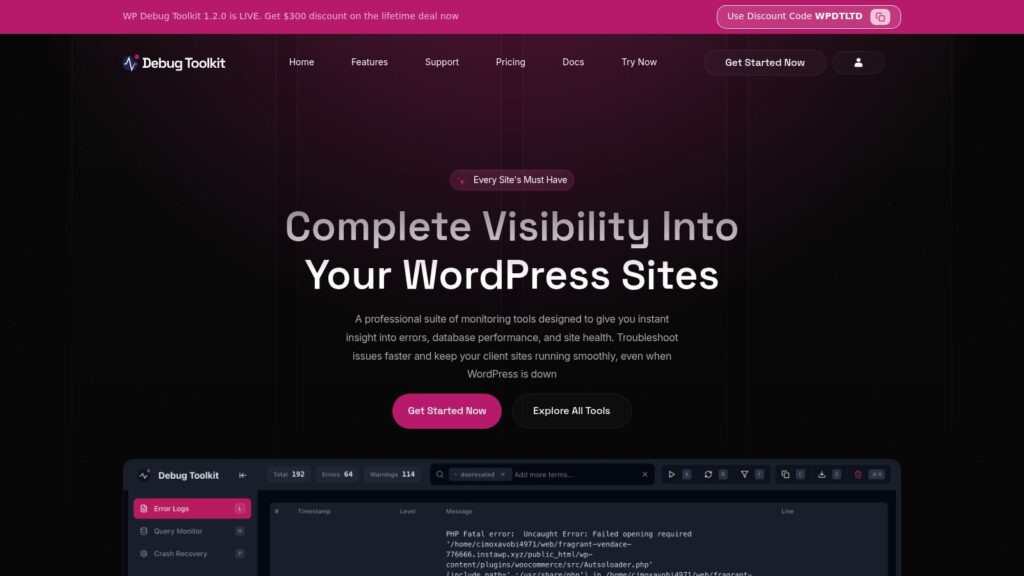
WP Debug Toolkit 1.2.0 is now live, offering a professional suite of tools for WordPress site monitoring, error logging, database performance, and site health, designed to help developers and agencies troubleshoot issues quickly and efficiently. The toolkit includes three main components—Error Log Viewer, Query Viewer, and Site Monitor—providing real-time insights even during site crashes, with features like crash recovery, slow query detection, and instant alerts, available through various pricing plans including a lifetime deal with a $300 discount.

https://wpdebugtoolkit.com/

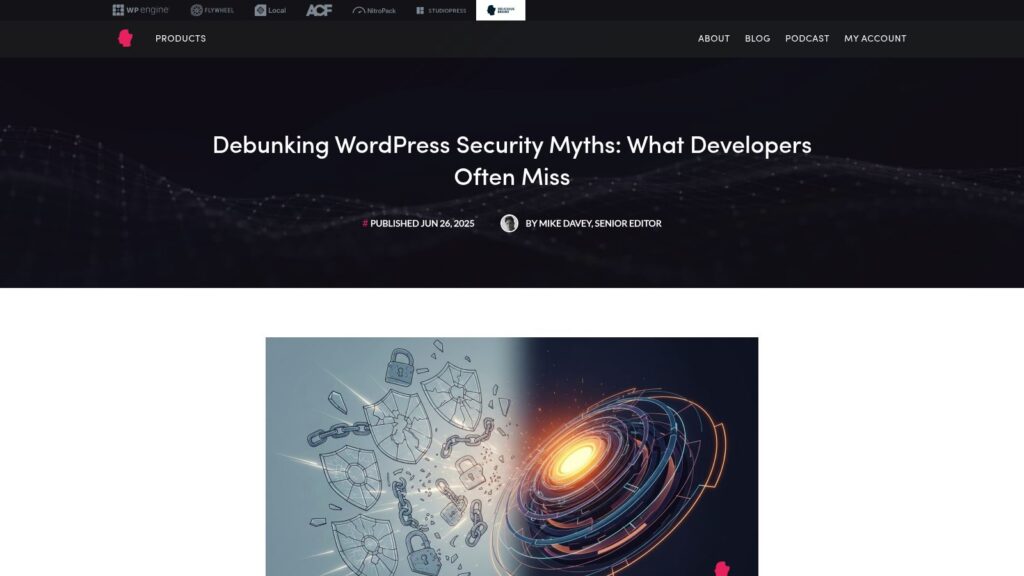
Debunking WordPress Security Myths: What Developers Often Miss

The article debunks common WordPress security myths, emphasizing that the WordPress core is generally secure due to its open-source model, dedicated security team, and rapid updates, while real vulnerabilities often arise from outdated plugins, poor user practices, and improper hosting. It also highlights that security through obscurity, reliance solely on security plugins, or thinking small sites aren’t targets are ineffective approaches; instead, a multi-layered security strategy—including strong authentication, proper configuration, updated software, secure hosting, and informed management—is essential for protecting WordPress sites.

https://deliciousbrains.com/debunking-wordpress-security-myths-what-developers-often-miss/

The History of WordPress: From 2003 to Today

WordPress, now the most popular content management system powering over 43% of websites, began as a fork of the blogging platform b2 in 2003. Founded by Matt Mullenweg and Mike Little, it rapidly evolved through key milestones like the introduction of plugins, themes, and a robust community infrastructure, supported by Automattic and the WordPress Foundation, driving its growth from a simple blogging tool to a versatile platform for building all types of websites.

https://webdesign.tutsplus.com/the-history-of-wordpress–cms-109137a

Top Features to Look for in a WordPress Directory Plugin – Noupe

The article outlines essential features to consider when selecting a WordPress directory plugin, emphasizing its role in creating fast, scalable, and monetizable directories for various niches like business listings or classified ads. Key features include advanced search filters, mobile app support, customizable fields, payment gateway integration, SEO optimization, and user review systems, all aimed at enhancing user experience, administrative efficiency, and revenue potential.

https://www.noupe.com/business-online/wordpress-directory-plugin-features.html

WordPress on Nginx on Dreamhost – Cult of Tech.net

The article details the process and considerations for running WordPress on an Nginx web server hosted on a Dreamhost VPS, emphasizing improved resource usage and performance over Apache, but requiring more upfront configuration. It covers Dreamhost’s default Nginx setup, necessary adjustments for WordPress permalinks and caching plugins, and offers example Nginx configuration snippets, along with advice on testing, fallback plans, and troubleshooting.

https://www.cult-of-tech.net/2011/11/wordpress-on-nginx-on-dreamhost/

How to Move Your WordPress Site to a New Server

This comprehensive guide explains how to move a WordPress site to a new server, covering preparation steps such as selecting a new host, updating themes and plugins, backing up the site, and confirming domain access. It outlines three main migration methods—free migration by the new host, manual FTP transfer, and using migration plugins like Duplicator—and provides detailed instructions for migrating with Duplicator. The article concludes with a post-migration checklist to ensure all site content and functionality have transferred correctly and performance remains optimal before updating the domain settings.

https://wplift.com/move-your-wordpress-site-to-a-new-server/

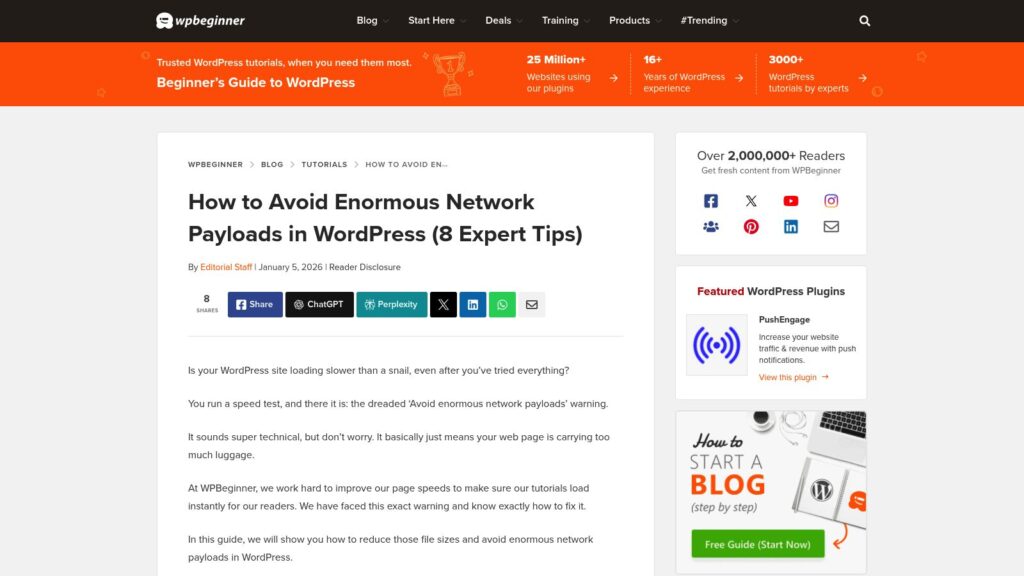
How to Avoid Enormous Network Payloads in WordPress (8 Expert Tips)

The WPBeginner article explains how enormous network payloads in WordPress slow down website loading by causing large file sizes across images, videos, code, fonts, and other resources. It offers eight expert tips to reduce payload size and improve performance, including optimizing images, embedding videos properly, using lazy loading, minifying CSS and JavaScript files, enabling Gzip compression, leveraging browser caching, minimizing font use, and avoiding slow plugins. These strategies help make WordPress sites faster and more efficient for visitors.

https://www.wpbeginner.com/wp-tutorials/how-to-avoid-enormous-network-payloads-in-wordpress/

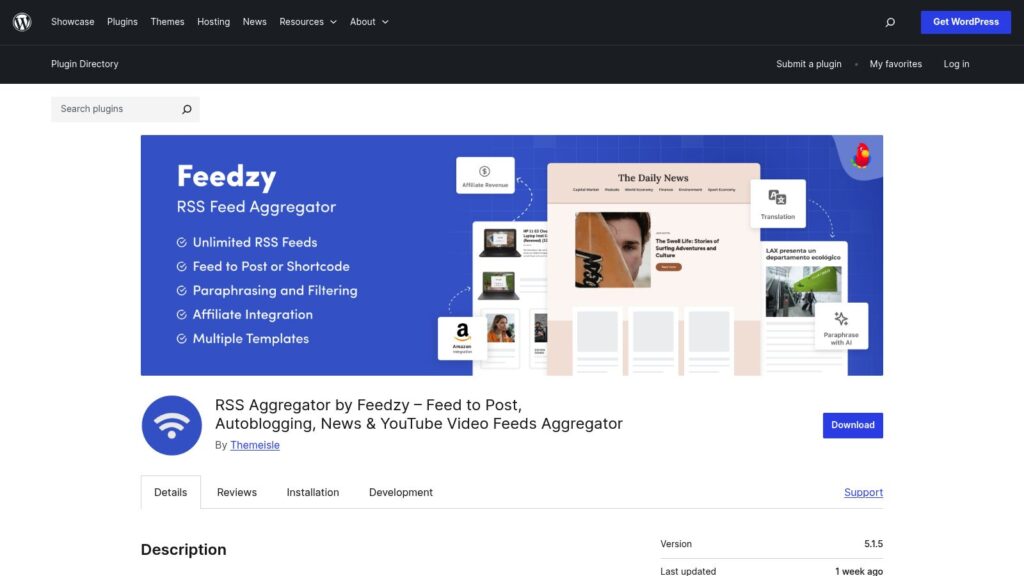
RSS Aggregator by Feedzy – Feed to Post, Autoblogging, News & YouTube Video Feeds Aggregator

RSS Aggregator by Feedzy is a WordPress plugin by Themeisle that allows users to curate, autoblog, and import unlimited RSS feeds, including news and YouTube video feeds, directly into their site as posts, pages, or custom post types. It offers features like automated scheduling, keyword filtering, image importing, and integration with tools like OpenAI, with premium options providing advanced import controls, multiple filters, and affiliate link management to boost site content, SEO, and audience engagement.

https://wordpress.org/plugins/feedzy-rss-feeds/

RSS Aggregator – RSS Import, News Feeds, Feed to Post, and Autoblogging

WP RSS Aggregator is a popular WordPress plugin used by over 50,000 websites to import RSS feeds and build news aggregators or autoblogging sites. It offers features such as auto-discovery of RSS feeds, customizable display options, automatic content updates, and built-in attribution to original authors while supporting unlimited feed sources. Premium upgrades add advanced capabilities like converting feeds to posts, full-text imports, content curation, video aggregation, and AI integrations, making it a versatile tool for content curation, syndication, and aggregation on WordPress sites.

https://wordpress.org/plugins/wp-rss-aggregator/

How to Optimize Your WordPress Robots.txt Like an Expert

The article explains how to optimize the robots.txt file in WordPress to control how search engine crawlers index site content, thereby improving SEO. It covers locating and editing the file, either manually or through plugins like Yoast SEO, details key rules such as Disallow and Allow, and offers best practices including adding sitemaps and avoiding blocking important pages. The guide emphasizes that while robots.txt helps prioritize essential pages for indexing, it is not a security tool and should be used carefully to maximize site visibility.

https://wplift.com/how-to-optimize-your-wordpress-robots-txt-like-an-expert/

WordPress and Web Servers

This lesson introduces how WordPress works with web servers, explaining that WordPress is a web application running on servers typically using the LAMP stack (Linux, Apache, MySQL, PHP) or LEMP stack with Nginx instead of Apache. It details how web servers handle requests, serve files, execute PHP code, interact with the MySQL database, and deliver content to browsers, providing an essential foundation for developing custom WordPress sites, themes, and plugins.

https://learn.wordpress.org/lesson/wordpress-and-web-servers/

Why Is WordPress Slow? Learn How to Fix It with Our 11 Expert Tips

A slow WordPress website frustrates visitors, lowers search rankings, and reduces sales, making speed optimization crucial. WPBeginner explains that common causes of slow WordPress sites include outdated software, lack of caching, absence of a CDN, too many HTTP requests, unoptimized images, inefficient plugins, and slow hosting. They recommend practical fixes such as updating WordPress and plugins, using caching plugins, employing a CDN, minimizing HTTP requests, optimizing images, and maintaining the database to improve site speed and enhance user experience.

https://www.wpbeginner.com/wp-tutorials/why-is-wordpress-slow-and-how-can-you-fix-it/

Scroll to Top