server

WordPress on Nginx on Dreamhost – Cult of Tech.net

The article details the process and considerations for running WordPress on an Nginx web server hosted on a Dreamhost VPS, emphasizing improved resource usage and performance over Apache, but requiring more upfront configuration. It covers Dreamhost’s default Nginx setup, necessary adjustments for WordPress permalinks and caching plugins, and offers example Nginx configuration snippets, along with advice on testing, fallback plans, and troubleshooting.

https://www.cult-of-tech.net/2011/11/wordpress-on-nginx-on-dreamhost/
How to Move Your WordPress Site to a New Server

This comprehensive guide explains how to move a WordPress site to a new server, covering preparation steps such as selecting a new host, updating themes and plugins, backing up the site, and confirming domain access. It outlines three main migration methods—free migration by the new host, manual FTP transfer, and using migration plugins like Duplicator—and provides detailed instructions for migrating with Duplicator. The article concludes with a post-migration checklist to ensure all site content and functionality have transferred correctly and performance remains optimal before updating the domain settings.

https://wplift.com/move-your-wordpress-site-to-a-new-server/

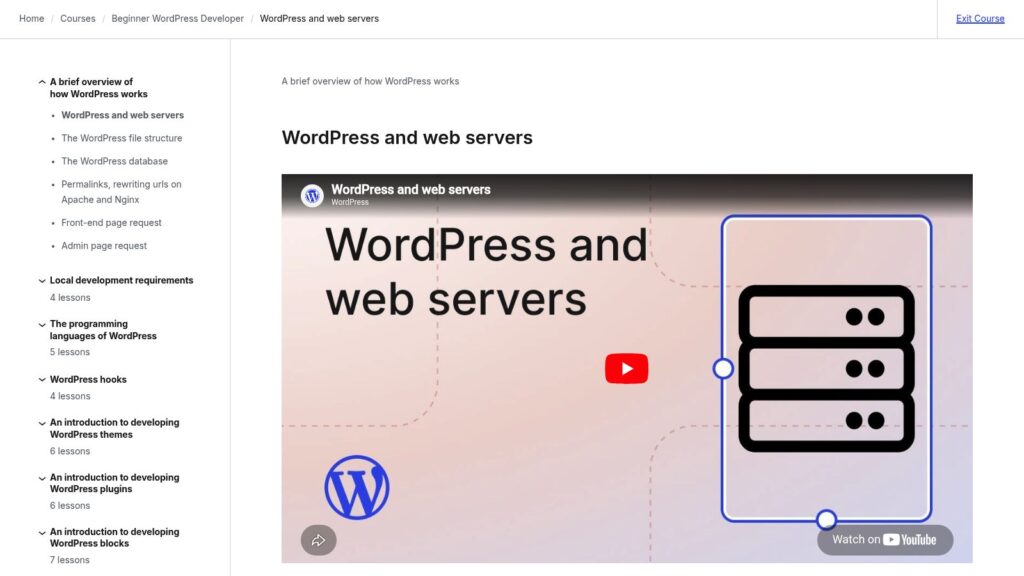
WordPress and Web Servers

This lesson introduces how WordPress works with web servers, explaining that WordPress is a web application running on servers typically using the LAMP stack (Linux, Apache, MySQL, PHP) or LEMP stack with Nginx instead of Apache. It details how web servers handle requests, serve files, execute PHP code, interact with the MySQL database, and deliver content to browsers, providing an essential foundation for developing custom WordPress sites, themes, and plugins.

https://learn.wordpress.org/lesson/wordpress-and-web-servers/

Scroll to Top