optimization

Database Indexing: The Missing Manual for WordPress
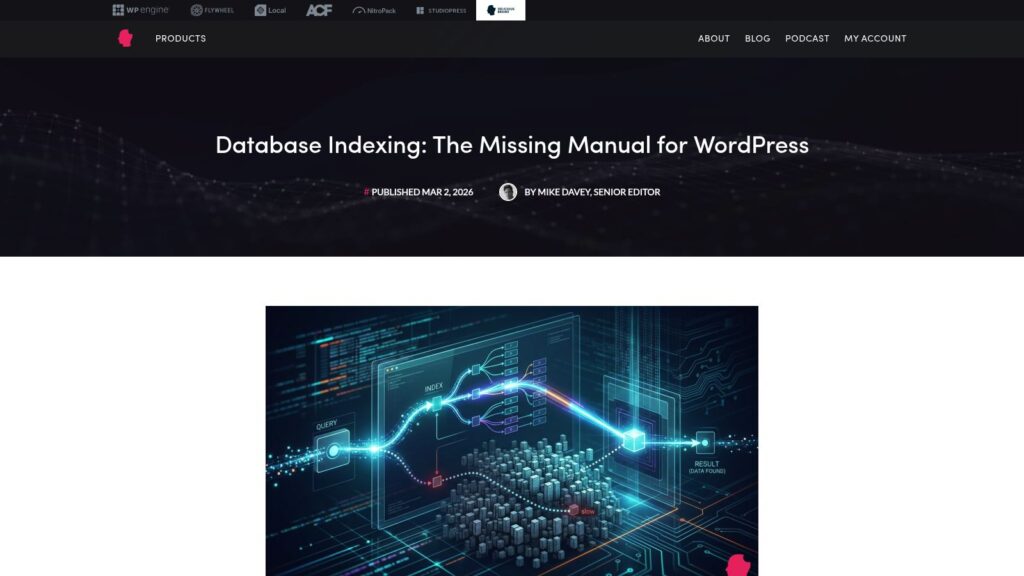
The article explains that while WordPress’s default database indexes are adequate for most sites, large sites with millions of rows in tables like wp_postmeta and wp_options suffer from slow queries due to full table scans. It emphasizes understanding MySQL indexing basics, managing the wp_options table size to stay within a 1MB cache buffer, and using partial indexes on large text fields to improve query performance, while recommending tools like Query Monitor and the MySQL Slow Query Log to identify bottlenecks.

https://deliciousbrains.com/database-indexing-for-wordpress/
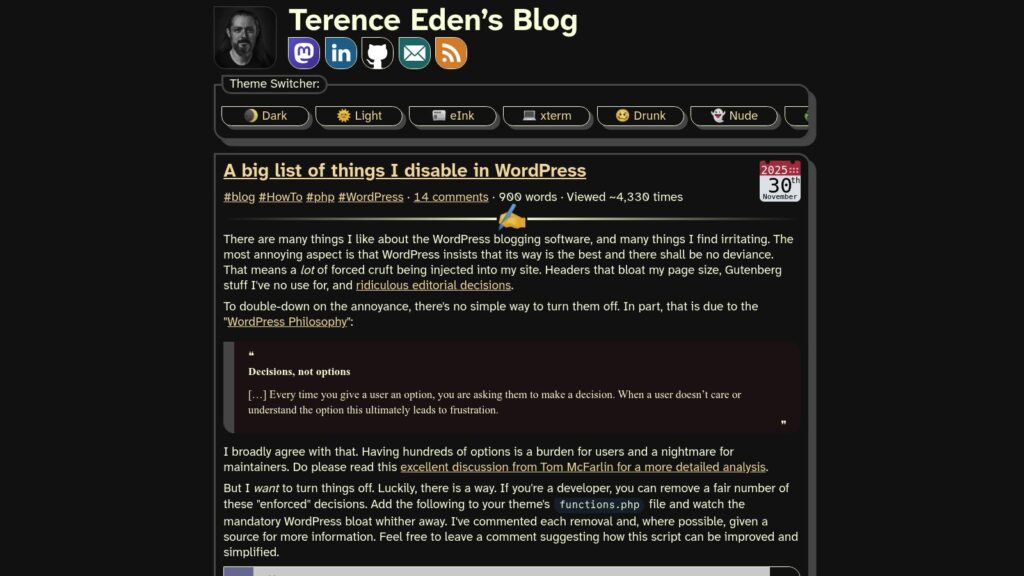
A Big List of Things I Disable in WordPress

Terence Eden shares a comprehensive list of WordPress features and default behaviors he disables to reduce bloat and improve site performance, accompanied by a detailed PHP script to remove unwanted styles, scripts, and automatic formatting. Despite WordPress’s philosophy of “decisions, not options,” Eden provides developer-friendly solutions to override enforced defaults like emoji scripts, Gutenberg styles, automatic formatting, and various metadata injections, aiming to create a cleaner, faster WordPress experience.

https://shkspr.mobi/blog/2025/11/a-big-list-of-things-i-disable-in-wordpress/

Pingdom Tools

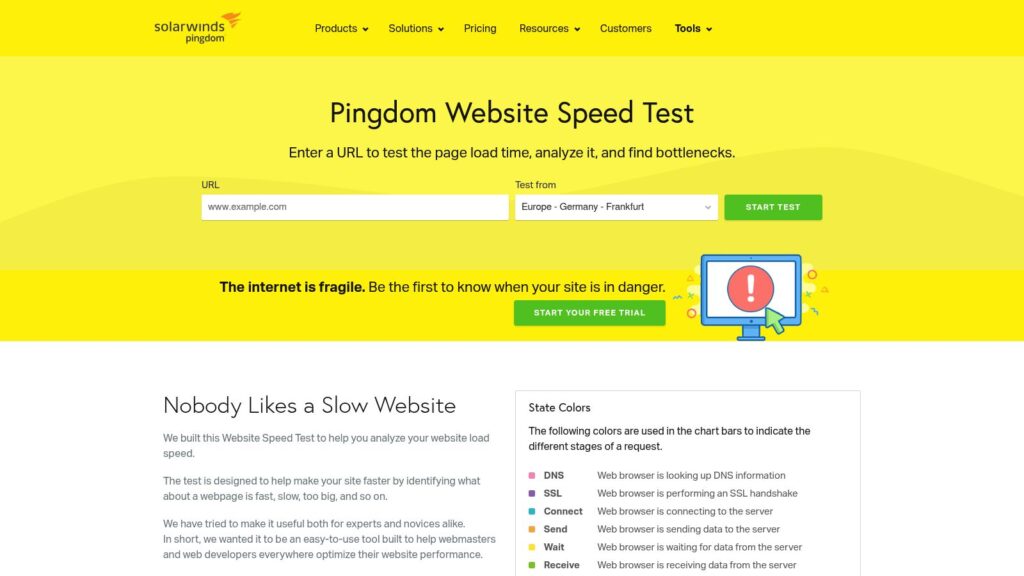
Pingdom provides website uptime and performance monitoring services, using over 70 global polling locations to test and verify websites continuously. Their tools help analyze website load speed, identify bottlenecks, and improve the end-user experience through features like synthetic monitoring, real user monitoring, and alerting.

https://tools.pingdom.com/

How to Avoid Enormous Network Payloads in WordPress (8 Expert Tips)

The WPBeginner article explains how enormous network payloads in WordPress slow down website loading by causing large file sizes across images, videos, code, fonts, and other resources. It offers eight expert tips to reduce payload size and improve performance, including optimizing images, embedding videos properly, using lazy loading, minifying CSS and JavaScript files, enabling Gzip compression, leveraging browser caching, minimizing font use, and avoiding slow plugins. These strategies help make WordPress sites faster and more efficient for visitors.

https://www.wpbeginner.com/wp-tutorials/how-to-avoid-enormous-network-payloads-in-wordpress/

Why Is WordPress Slow? Learn How to Fix It with Our 11 Expert Tips

A slow WordPress website frustrates visitors, lowers search rankings, and reduces sales, making speed optimization crucial. WPBeginner explains that common causes of slow WordPress sites include outdated software, lack of caching, absence of a CDN, too many HTTP requests, unoptimized images, inefficient plugins, and slow hosting. They recommend practical fixes such as updating WordPress and plugins, using caching plugins, employing a CDN, minimizing HTTP requests, optimizing images, and maintaining the database to improve site speed and enhance user experience.

https://www.wpbeginner.com/wp-tutorials/why-is-wordpress-slow-and-how-can-you-fix-it/

Which WordPress Plugins Are Slowing Down Your Site?

TLDR: Poorly coded WordPress plugins can slow down site performance. Identifying slow plugins involves using tools like Query Monitor to analyze database queries, testing speed impacts by deactivating plugins, and utilizing browser developer tools for resource loading analysis. Ensure to use well-coded plugins to maintain speed, and optimize or replace any causing issues to enhance user experience.

https://www.wpbeginner.com/wp-tutorials/which-wordpress-plugins-are-slowing-down-your-site/

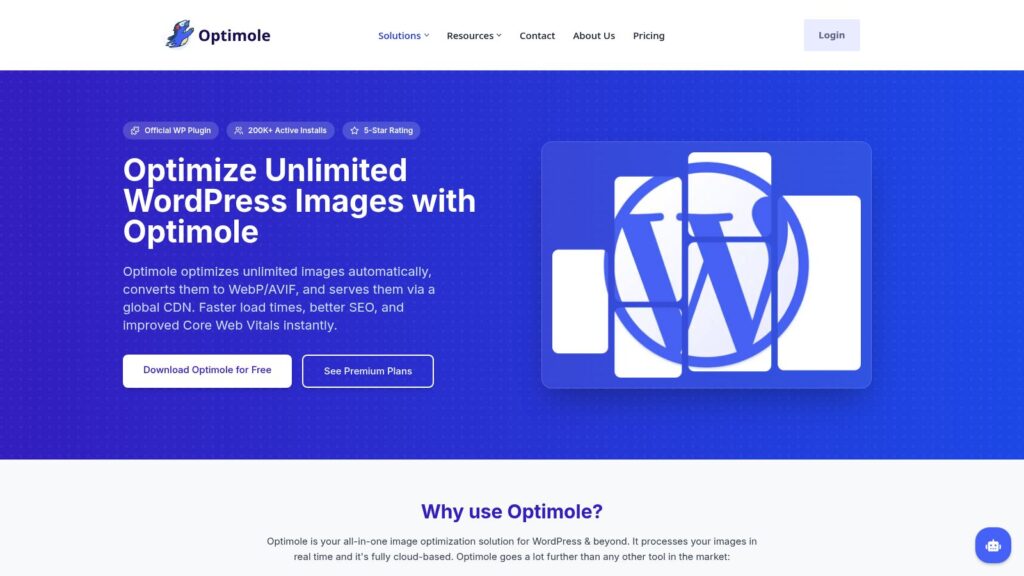
Download Free Image Compression WordPress Plugin

Optimole is a cloud-based image optimization solution for WordPress that automatically optimizes unlimited images in real time, converts them to modern formats like WebP and AVIF, and serves them via a global CDN to improve website load times, SEO, and Core Web Vitals. Trusted by over 200,000 websites, it offers features such as responsive image sizing, lazy loading, and bandwidth reduction by delivering tailored images from a CDN instead of the main server.

https://optimole.com/wordpress

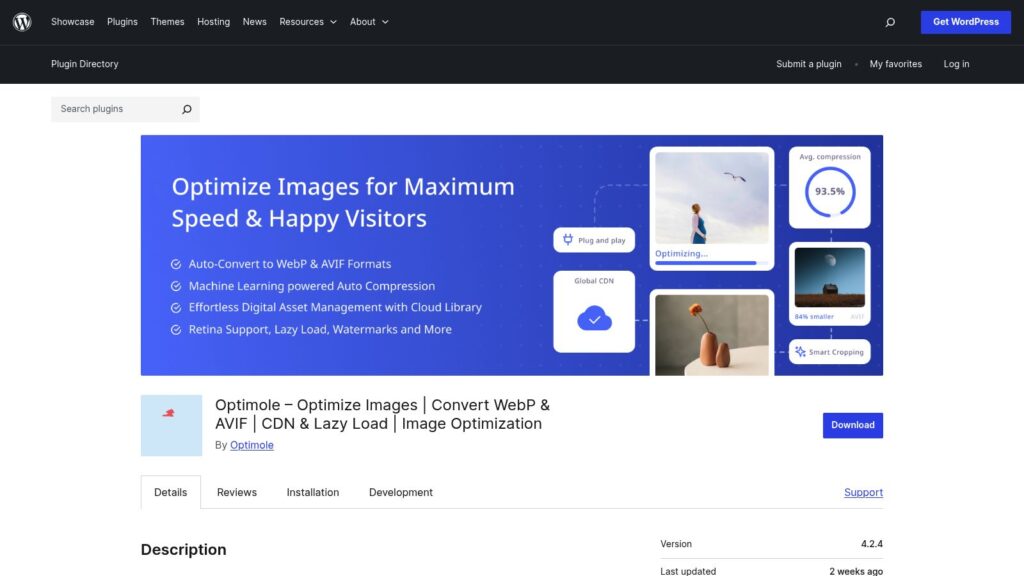
Image Optimization by Optimole – Lazy Load, CDN, Convert WebP & AVIF – WordPress Plugin

Optimole is a WordPress plugin that automates image optimization by compressing, resizing, converting images to WebP and AVIF formats, and delivering them via a global CDN with over 450 locations. It enhances website speed, Core Web Vitals, and SEO with features like ML-powered compression, adaptive sizing, lazy loading, watermarking, and a cloud media library—all requiring no configuration. Optimole supports unlimited image optimizations within visitor limits and integrates seamlessly with popular page builders, themes, and WooCommerce, improving performance for various site types including e-commerce, portfolios, blogs, and news sites.

https://wordpress.org/plugins/optimole-wp

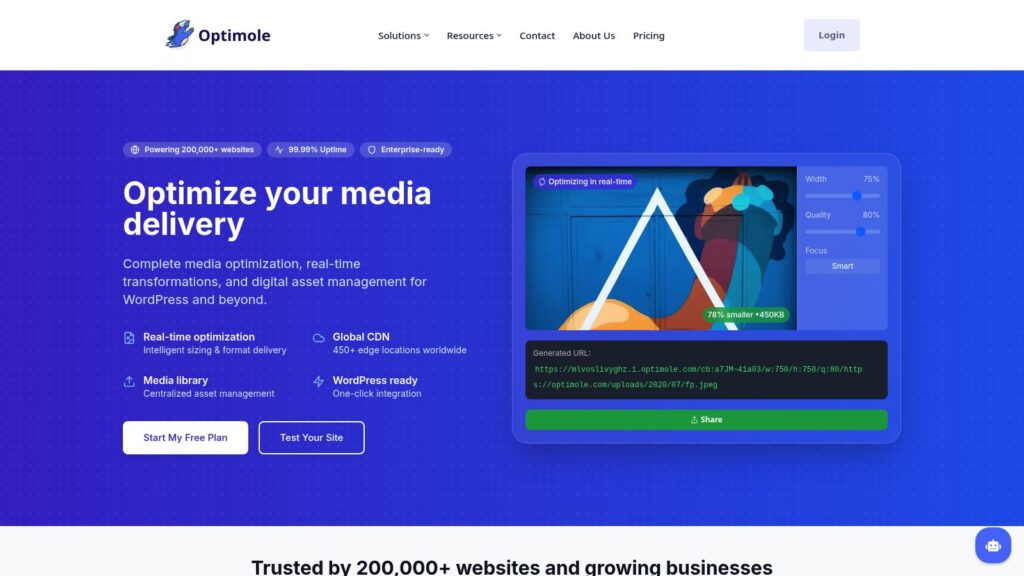
Real-time Image Processing and Image CDN for WordPress – OptiMole

Optimole is a media optimization platform trusted by over 200,000 websites, offering real-time image optimization, global CDN delivery, and digital asset management, with seamless WordPress integration for automatic image compression, resizing, and lazy loading. Its services aim to improve website performance by delivering smaller, faster-loading images while providing centralized control over digital assets without requiring technical skills.

https://optimole.com

Scroll to Top