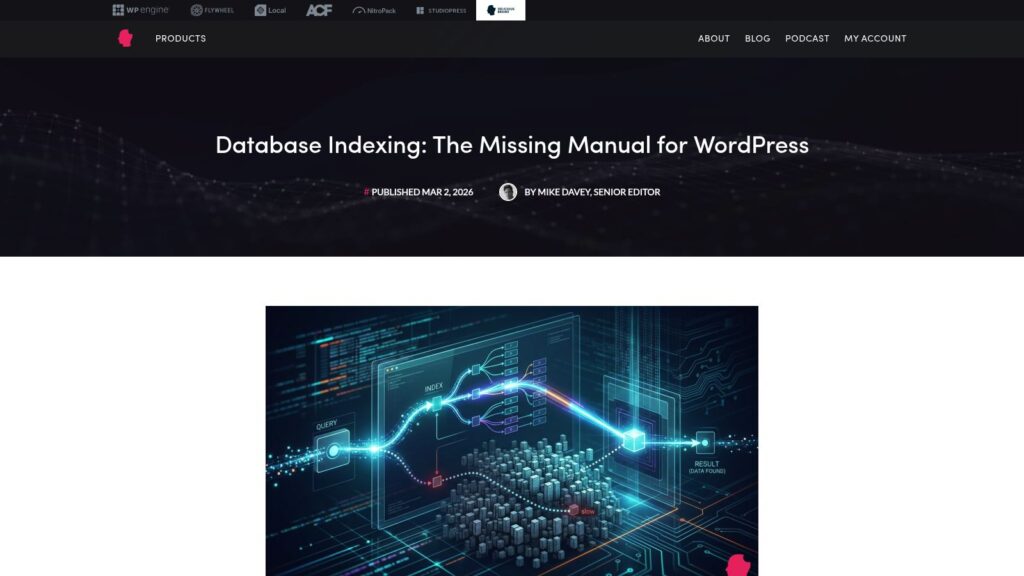
Database Indexing: The Missing Manual for WordPress

The article explains that while WordPress’s default database indexes are adequate for most sites, large sites with millions of rows in tables like wp_postmeta and wp_options suffer from slow queries due to full table scans. It emphasizes understanding MySQL indexing basics, managing the wp_options table size to stay within a 1MB cache buffer, and using partial indexes on large text fields to improve query performance, while recommending tools like Query Monitor and the MySQL Slow Query Log to identify bottlenecks.

https://deliciousbrains.com/database-indexing-for-wordpress/

How to Add a Markdown Version of Your WordPress Site (The Easy Way)

Extreme TLDR: Add Markdown for WordPress to improve AI visibility. AIOSEO plugin automates Markdown version creation. Benefits: cleaner for AI, reduces token usage, easy setup without coding. Follow steps to configure AIOSEO. Verify by appending .md to URLs. Boost discoverability with proper headings and llms.txt. FAQ covers Markdown's impact on AI, SEO, and checking accuracy.

https://www.wpbeginner.com/plugins/how-to-add-a-markdown-version-of-your-wordpress-site/

Internet Archive Wayback Machine Link Fixer

The Internet Archive Wayback Machine Link Fixer is a WordPress plugin that addresses link rot by automatically scanning post content for outbound links, checking for archived versions on the Internet Archive’s Wayback Machine, and creating snapshots if none exist. It redirects broken links to archived versions and archives your own posts upon updates, helping maintain content reliability and user experience with minimal overhead. The plugin works in the background using the Internet Archive’s APIs and supports managing large numbers of links, though it may have some compatibility and performance considerations.

https://wordpress.org/plugins/internet-archive-wayback-machine-link-fixer/

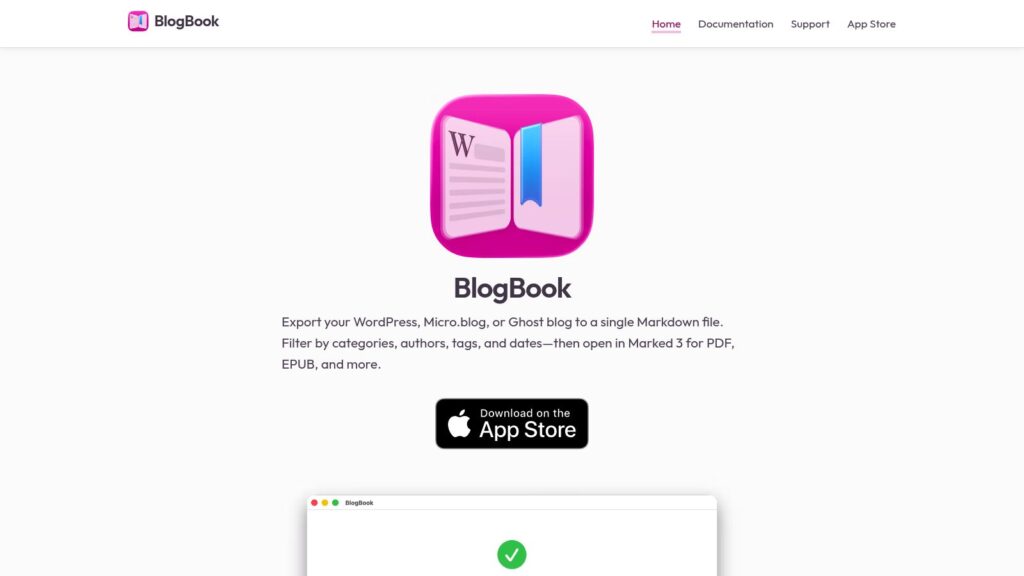
BlogBook — WordPress, Micro.blog, or Ghost – Markdown Book

BlogBook is an app that allows users to export their WordPress, Micro.blog, or Ghost blogs into a single Markdown file, with options to filter by categories, authors, tags, and dates. The exported file can then be opened in Marked 3 to generate PDFs, EPUBs, and other formats, facilitating easy backup and content sharing. Developed by Brett Terpstra, BlogBook is available on the Mac App Store.

https://blogbook.my/

Why WordPress Needs to Plug Into the Agentic Web

WordPress must evolve from a static CMS to an agentic platform, enabling AI agents to interact with its content through the Model Context Protocol (MCP). MCP transforms WordPress by structuring data for AI queries rather than traditional human interfaces. Utilizing tools like the WP Engine AI Toolkit, developers can enhance content query capabilities, ensuring data remains accurate and discoverable. This shift towards an AI-friendly architecture allows WordPress sites to actively engage in the AI ecosystem, making previously unstructured data accessible and agent-operable, thus future-proofing digital strategies.

https://wpengine.com/builders/why-wordpress-needs-to-plug-into-the-agentic-web/?_gl=1*c4klbk*_gcl_au*MjEyNTYzODU3NS4xNzY4OTI3OTcz*_ga*MTAzNDQyNzc3OC4xNzY4OTI3OTcy*_ga_QQ5FN8NX8W*czE3Njg5Mjc5NzMkbzEkZzAkdDE3Njg5MjgwMDIkajMxJGwwJGgxNjM4MzY5MTc0

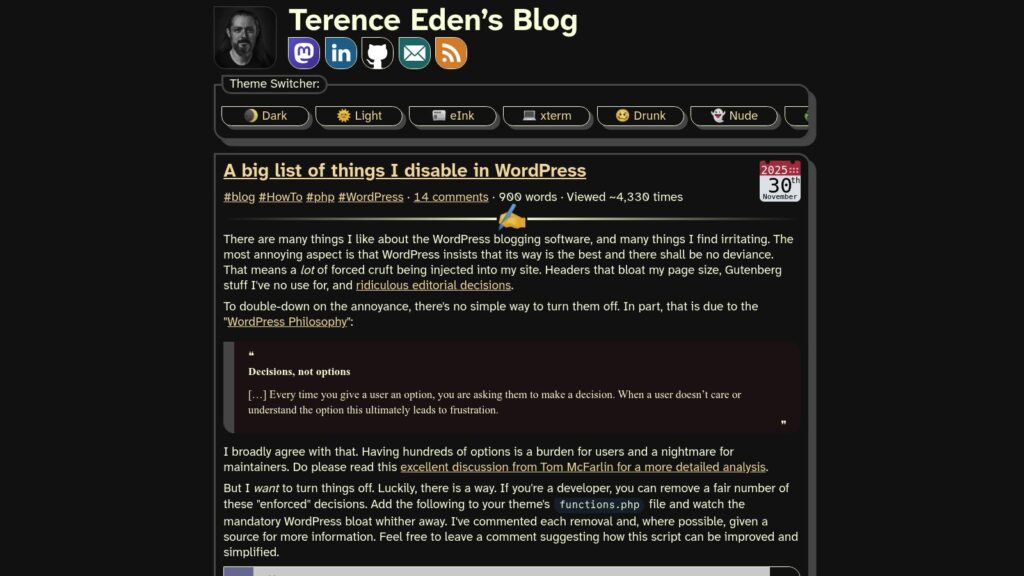
A Big List of Things I Disable in WordPress

Terence Eden shares a comprehensive list of WordPress features and default behaviors he disables to reduce bloat and improve site performance, accompanied by a detailed PHP script to remove unwanted styles, scripts, and automatic formatting. Despite WordPress’s philosophy of “decisions, not options,” Eden provides developer-friendly solutions to override enforced defaults like emoji scripts, Gutenberg styles, automatic formatting, and various metadata injections, aiming to create a cleaner, faster WordPress experience.

https://shkspr.mobi/blog/2025/11/a-big-list-of-things-i-disable-in-wordpress/

Personal Blogs Are Back, Should Niche Blogs Be Next?

The article discusses the revival of personal blogs and suggests that niche blogs—focused, high-quality topic-specific resources—should also make a comeback to provide reliable information amidst the rise of social media and AI-generated content. It highlights the historic value of niche blogging for expertise and income, advocating for independent writers to produce such content with improved monetization approaches, helping to restore a vibrant, trustworthy web environment.

https://disassociated.com/personal-blogs-back-niche-blogs-next/

Delicious Brain Bytes: WordPress 6.9 RC1, FAIR’s Security MVP, and Finding Hidden Gems

The article highlights key developments in the WordPress ecosystem including the release candidate for WordPress 6.9, which introduces the new Abilities API that standardizes plugin functionality for better AI integration. It also covers innovations like the Hidden Gems plugin for discovering quality lesser-known plugins, and a collaborative security MVP by FAIR and Patchstack to enhance WordPress security through vulnerability labeling. Additionally, it previews advanced custom block features in ACF and offers significant discounts on popular developer tools for WordPress.

https://deliciousbrains.com/delicious-brain-bytes-wordpress-6-9-rc1-fairs-security-mvp-and-finding-hidden-gems/

I Turned My WordPress Site Into a Mobile App — Here’s What I Learned

The article details the author's experience of turning a WordPress community website into a mobile app using the BuddyBoss App, highlighting its ease of setup, rich features like push notifications and instant messaging, and the significant engagement boost achieved. It provides a step-by-step guide on configuring the app, including connecting the WordPress site, setting up Apple Developer and Google Play accounts, and managing app store submissions, emphasizing BuddyBoss as a beginner-friendly solution for creating native iOS and Android apps without coding.

https://www.wpbeginner.com/wp-tutorials/turn-wordpress-site-into-an-app/

Structured Data With Schema for Search and AI

Extreme TLDR: Structured data enhances search visibility by helping search engines and AI understand your content. Using Schema.org and JSON-LD, it improves clarity and eligibility for rich results, which can lead to better click-through rates. Key structured data types include Article, Product, Event, and Recipe. Yoast SEO simplifies implementation and keeps your schema updated for SEO advancements.

https://yoast.com/structured-data-schema-ultimate-guide/

Report: WordPress in 2025

The “WordPress in 2025” report highlights the platform's growing significance as an open-source CMS poised for innovation and enterprise adoption, especially as proprietary CMS interest wanes. Key developments include significant enhancements to the Block Editor with over 34,000 commits, the introduction of Full Site Editing for no-code site building, and opportunities in AI-driven content systems, positioning WordPress as a pivotal tool for future growth and digital strategies.

https://wordpress.org/news/2025/02/wordpress-in-2025-report/

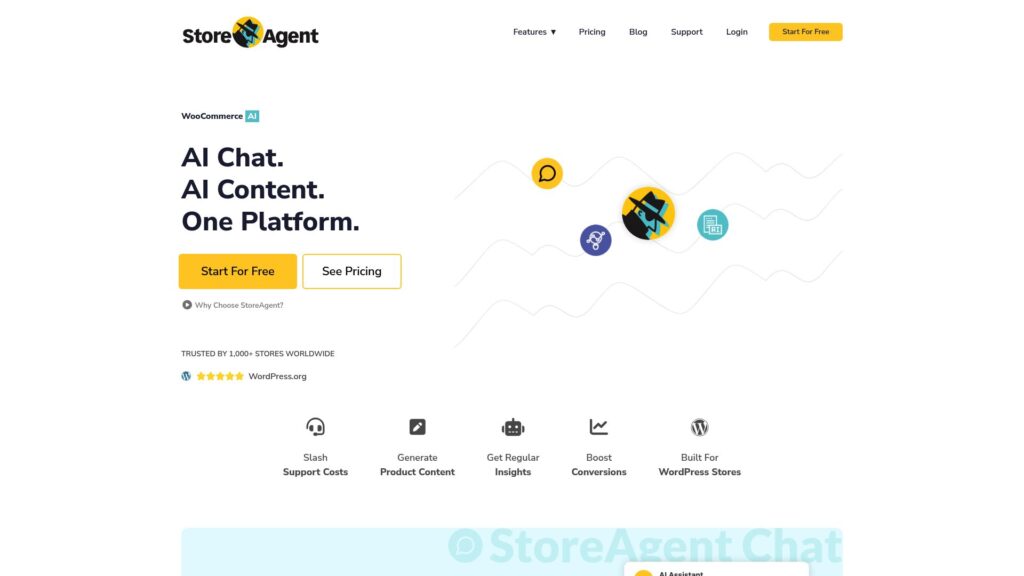
StoreAgent

StoreAgent offers a suite of AI tools for WooCommerce, including chat, content generation, and insights, aimed at automating tasks and enhancing store performance. Its features include instant customer support answers, SEO-friendly product descriptions, and analytics to optimize listings. Users appreciate its ease of use, affordability, and WooCommerce integration. A free plan is available, with premium options for advanced features. It's designed for all technical levels and ensures data privacy. Store owners report significant improvements in efficiency and customer satisfaction.

https://storeagent.ai/

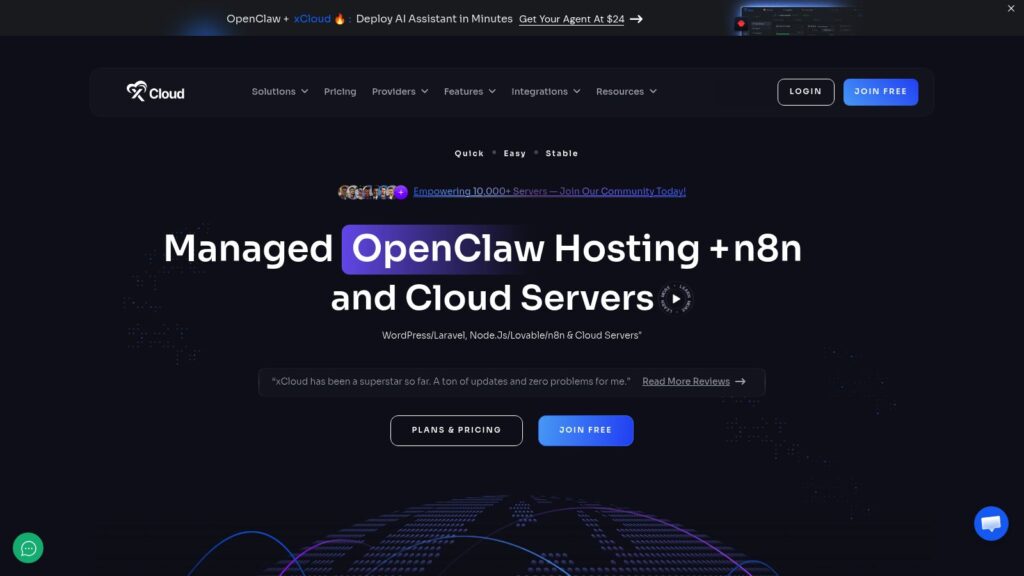
xCloud- Next-Gen Managed Hosting & Server Management for WordPress, Laravel & PHP Applications

xCloud offers a comprehensive, user-friendly cloud hosting platform enabling quick deployment of AI assistants with its managed OpenClaw hosting, along with support for WordPress, Laravel, Node.js, and other applications. It features one-click server deployments, automated updates, backups, security measures, and team collaboration tools, backed by global server coverage and high-performance infrastructure designed for stability, speed, and scalability. Pricing plans range from entry-level to premium, supporting both personal and enterprise needs with root access and a wide array of integrations and automation capabilities.

https://xcloud.host/

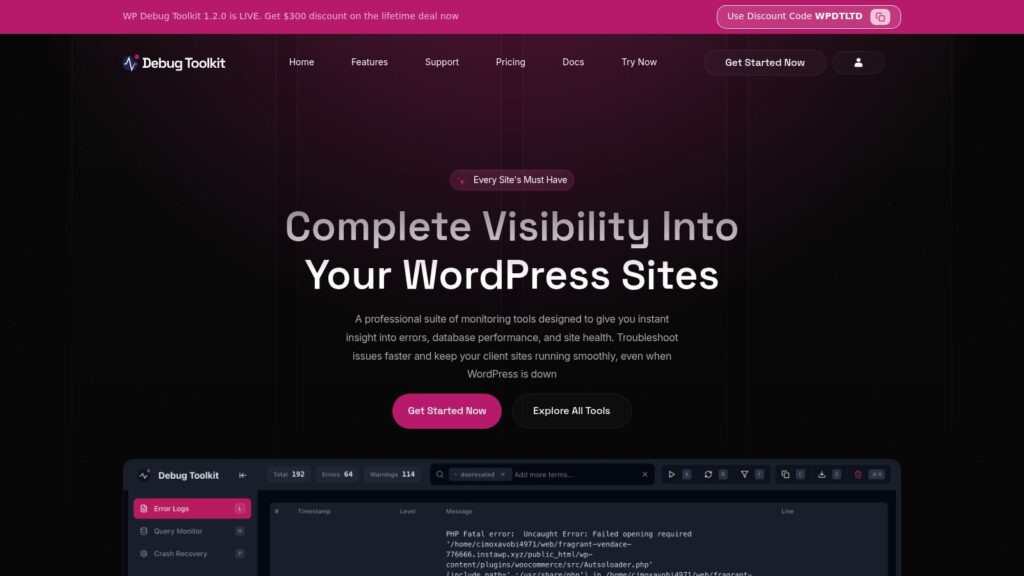
Home

WP Debug Toolkit 1.2.0 is now live, offering a professional suite of tools for WordPress site monitoring, error logging, database performance, and site health, designed to help developers and agencies troubleshoot issues quickly and efficiently. The toolkit includes three main components—Error Log Viewer, Query Viewer, and Site Monitor—providing real-time insights even during site crashes, with features like crash recovery, slow query detection, and instant alerts, available through various pricing plans including a lifetime deal with a $300 discount.

https://wpdebugtoolkit.com/

10 Tips to Streamline Your Blog Content Workflow

The article “10 tips to streamline your blog content workflow” by Yoast provides practical advice for improving digital content production, especially when working with a team. It emphasizes setting clear goals, defining roles, visualizing workflows, setting deadlines, and maintaining flexibility to reduce stress and increase efficiency in content creation processes.

https://yoast.com/streamline-digital-content-workflow/

Scroll to Top