How to Optimize Your WordPress Robots.txt Like an Expert

The article explains how to optimize the robots.txt file in WordPress to control how search engine crawlers index site content, thereby improving SEO. It covers locating and editing the file, either manually or through plugins like Yoast SEO, details key rules such as Disallow and Allow, and offers best practices including adding sitemaps and avoiding blocking important pages. The guide emphasizes that while robots.txt helps prioritize essential pages for indexing, it is not a security tool and should be used carefully to maximize site visibility.

https://wplift.com/how-to-optimize-your-wordpress-robots-txt-like-an-expert/

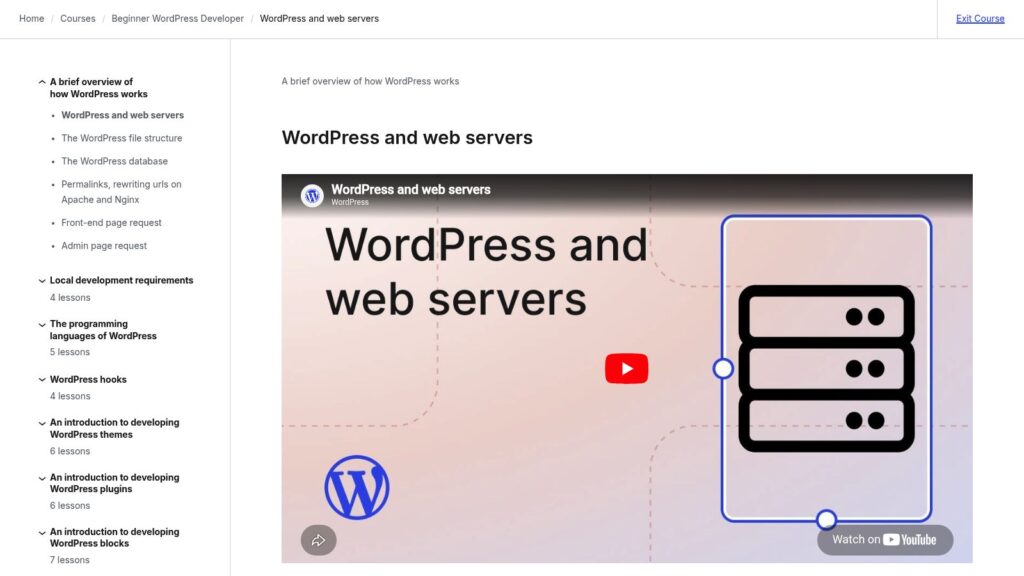
WordPress and Web Servers

This lesson introduces how WordPress works with web servers, explaining that WordPress is a web application running on servers typically using the LAMP stack (Linux, Apache, MySQL, PHP) or LEMP stack with Nginx instead of Apache. It details how web servers handle requests, serve files, execute PHP code, interact with the MySQL database, and deliver content to browsers, providing an essential foundation for developing custom WordPress sites, themes, and plugins.

https://learn.wordpress.org/lesson/wordpress-and-web-servers/

Why Is WordPress Slow? Learn How to Fix It with Our 11 Expert Tips

A slow WordPress website frustrates visitors, lowers search rankings, and reduces sales, making speed optimization crucial. WPBeginner explains that common causes of slow WordPress sites include outdated software, lack of caching, absence of a CDN, too many HTTP requests, unoptimized images, inefficient plugins, and slow hosting. They recommend practical fixes such as updating WordPress and plugins, using caching plugins, employing a CDN, minimizing HTTP requests, optimizing images, and maintaining the database to improve site speed and enhance user experience.

https://www.wpbeginner.com/wp-tutorials/why-is-wordpress-slow-and-how-can-you-fix-it/

Newsletter Glue – WordPress Newsletter Plugin

Newsletter Glue is a WordPress plugin designed to streamline the creation, automation, and management of newsletters directly within WordPress, allowing publishers to save time and increase efficiency without coding. It integrates with existing email service providers and supports customizable templates, subscriber forms, and SEO-friendly newsletter archives, making it popular among newsrooms and media companies to grow their subscriber base and site traffic.

https://newsletterglue.com/

Which WordPress Plugins Are Slowing Down Your Site?

TLDR: Poorly coded WordPress plugins can slow down site performance. Identifying slow plugins involves using tools like Query Monitor to analyze database queries, testing speed impacts by deactivating plugins, and utilizing browser developer tools for resource loading analysis. Ensure to use well-coded plugins to maintain speed, and optimize or replace any causing issues to enhance user experience.

https://www.wpbeginner.com/wp-tutorials/which-wordpress-plugins-are-slowing-down-your-site/

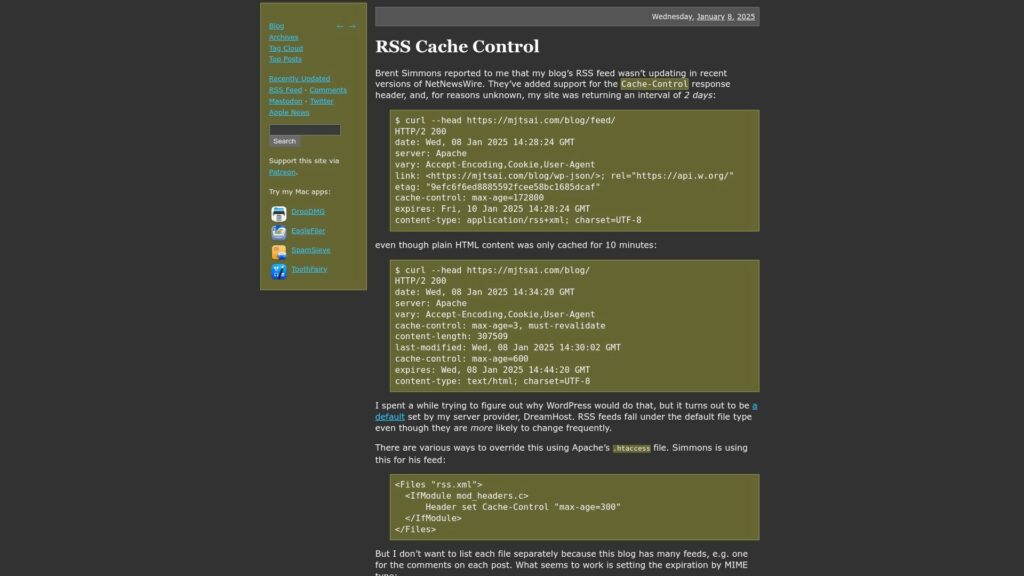
RSS Cache Control

Brent Simmons notified Michael Tsai that his blog's RSS feed was not updating in NetNewsWire due to a 2-day cache control interval, set by DreamHost. This interval contrasts with the 10-minute cache for HTML content. Tsai explored ways to adjust this in the Apache .htaccess file. He prefers a MIME type-based solution for all feeds instead of listing them individually. Users previously faced delays receiving updates, which should be resolved with the new settings.

https://mjtsai.com/blog/2025/01/08/rss-cache-control/

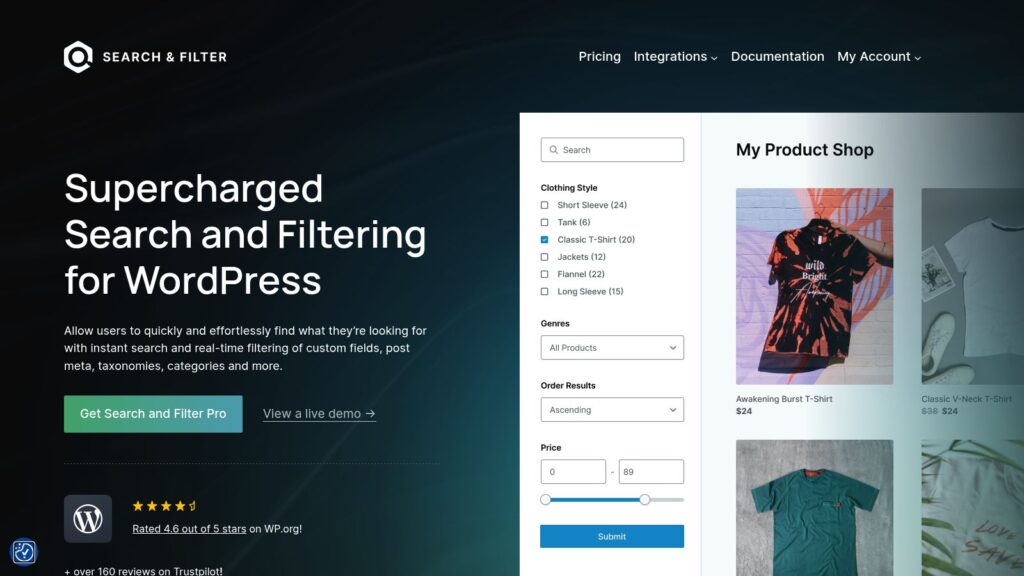
Home – Search & Filter Pro

Search & Filter Pro is a powerful WordPress plugin that enables users to quickly search and filter content based on custom fields, taxonomies, post meta, and categories, with support for WooCommerce and other integrations. It offers high-speed performance, extensive customization options, and over 10 years of reliable support, helping more than 50,000 active users enhance the search experience on their websites.

https://searchandfilter.com/

ClickSocial – Social Media Scheduler & Poster

Smash Balloon offers easy-to-use WordPress plugins that allow over 1.75 million users to seamlessly display customizable social media feeds from platforms like Instagram, Facebook, Twitter, YouTube, TikTok, and Google Reviews on their websites. Designed for speed, reliability, and SEO friendliness, these plugins require no coding, automatically inherit website styles, and include features like feed caching, analytics, and GDPR compliance. With highly-rated customer support and options to access all plugins in a bundle, Smash Balloon helps businesses and creators leverage social media to boost engagement, conversions, and online presence.

https://clicksocial.com/

5 Ways to Create a WordPress Plugin Settings Page

Ready to take your WordPress plugin to the next level? Explore five dynamic ways to create a settings page for your plugin. From mastering the WordPress Settings API to harnessing VueJS or React, discover methods that make managing plugin options a breeze. Unravel the potential within frameworks like Advanced Custom Fields and Carbon Fields, or kickstart your project with a code generator. Perfect your plugin with ease and efficiency! Curious about more? Check out all the tips.

5 Ways to Create a WordPress Plugin Settings Page

Openverse

Openverse is a tool for discovering and using openly licensed and public domain works, currently searching over 800 million images and audio tracks. It aggregates work from multiple repositories and facilitates reuse through features such as one-click attribution. While Openverse does not verify licensing information, it provides links to external sources for further exploration.

https://openverse.org/

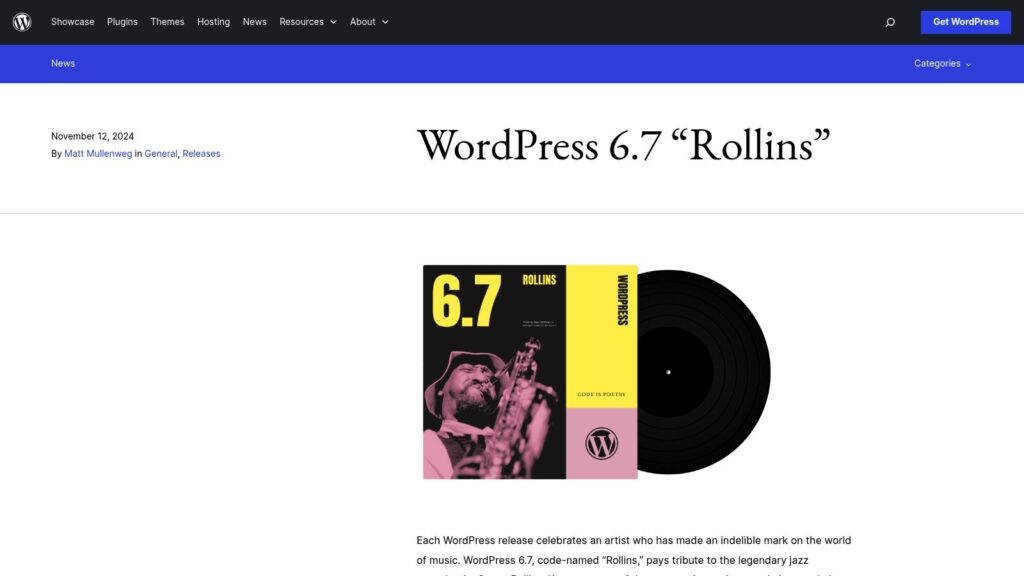
WordPress 6.7 “Rollins”

WordPress 6.7 “Rollins,” named after jazz saxophonist Sonny Rollins, introduces the modern Twenty Twenty-Five theme for enhanced design flexibility, new font management features, a Zoom Out view for site editing, and streamlined dynamic content creation by connecting blocks to custom fields with ease. The release also includes over 65 accessibility improvements, performance optimizations, and many enhancements contributed by more than 780 community members, reflecting WordPress’s commitment to empowering creators and democratizing publishing.

https://wordpress.org/news/2024/11/rollins/

Download Free Image Compression WordPress Plugin

Optimole is a cloud-based image optimization solution for WordPress that automatically optimizes unlimited images in real time, converts them to modern formats like WebP and AVIF, and serves them via a global CDN to improve website load times, SEO, and Core Web Vitals. Trusted by over 200,000 websites, it offers features such as responsive image sizing, lazy loading, and bandwidth reduction by delivering tailored images from a CDN instead of the main server.

https://optimole.com/wordpress

Image Optimization by Optimole – Lazy Load, CDN, Convert WebP & AVIF – WordPress Plugin

Optimole is a WordPress plugin that automates image optimization by compressing, resizing, converting images to WebP and AVIF formats, and delivering them via a global CDN with over 450 locations. It enhances website speed, Core Web Vitals, and SEO with features like ML-powered compression, adaptive sizing, lazy loading, watermarking, and a cloud media library—all requiring no configuration. Optimole supports unlimited image optimizations within visitor limits and integrates seamlessly with popular page builders, themes, and WooCommerce, improving performance for various site types including e-commerce, portfolios, blogs, and news sites.

https://wordpress.org/plugins/optimole-wp

TaxoPress – the WordPress Taxonomy, Category and Tag Plugin

TaxoPress is a WordPress plugin designed to help users organize their website content by managing taxonomies, tags, and categories with features like automatic term creation using OpenAI, dynamic tag clouds, and auto-linking terms within content. It offers comprehensive tools for creating, editing, and managing taxonomies and terms, making it easier to maintain a well-structured site.

https://taxopress.com/

GitHub – Rmorse/reveal-Post-Data: a WordPress Plugin That Adds a Button in the Editor Sidebar to Show the Raw Post Data as Well as Taxonomy and Custom Field Data

The “Reveal Post Data” WordPress plugin adds a button to the editor sidebar that displays the raw post data, including taxonomy and custom field metadata, which is useful for debugging. The plugin ensures scripts load only on editor pages and is tested up to WordPress 6.4, with the source available on GitHub.

https://github.com/rmorse/reveal-post-data/

Scroll to Top