WordPress

WordPress on Nginx on Dreamhost – Cult of Tech.net
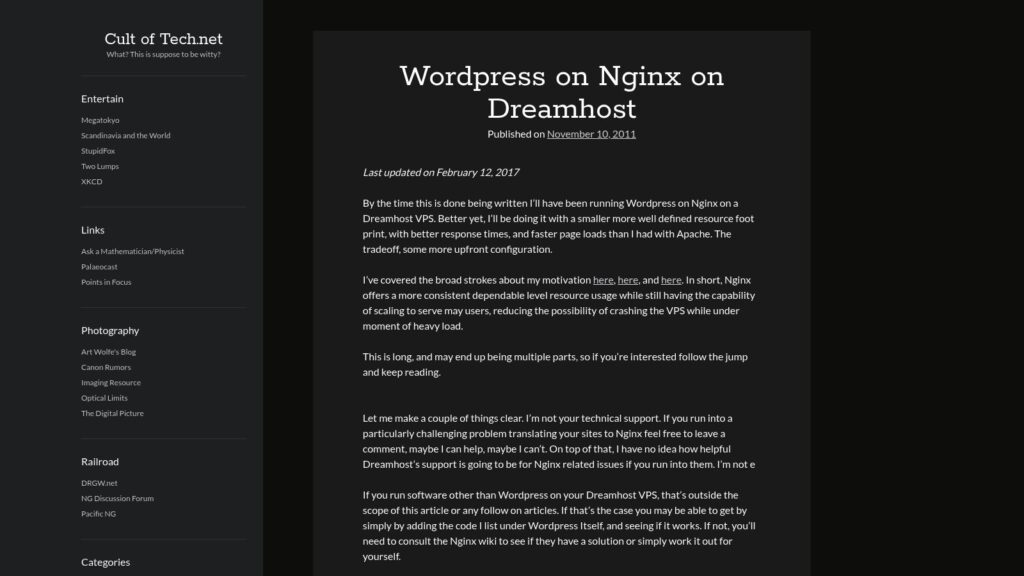
The article details the process and considerations for running WordPress on an Nginx web server hosted on a Dreamhost VPS, emphasizing improved resource usage and performance over Apache, but requiring more upfront configuration. It covers Dreamhost’s default Nginx setup, necessary adjustments for WordPress permalinks and caching plugins, and offers example Nginx configuration snippets, along with advice on testing, fallback plans, and troubleshooting.

https://www.cult-of-tech.net/2011/11/wordpress-on-nginx-on-dreamhost/
How to Move Your WordPress Site to a New Server

This comprehensive guide explains how to move a WordPress site to a new server, covering preparation steps such as selecting a new host, updating themes and plugins, backing up the site, and confirming domain access. It outlines three main migration methods—free migration by the new host, manual FTP transfer, and using migration plugins like Duplicator—and provides detailed instructions for migrating with Duplicator. The article concludes with a post-migration checklist to ensure all site content and functionality have transferred correctly and performance remains optimal before updating the domain settings.

https://wplift.com/move-your-wordpress-site-to-a-new-server/

How to Avoid Enormous Network Payloads in WordPress (8 Expert Tips)

The WPBeginner article explains how enormous network payloads in WordPress slow down website loading by causing large file sizes across images, videos, code, fonts, and other resources. It offers eight expert tips to reduce payload size and improve performance, including optimizing images, embedding videos properly, using lazy loading, minifying CSS and JavaScript files, enabling Gzip compression, leveraging browser caching, minimizing font use, and avoiding slow plugins. These strategies help make WordPress sites faster and more efficient for visitors.

https://www.wpbeginner.com/wp-tutorials/how-to-avoid-enormous-network-payloads-in-wordpress/

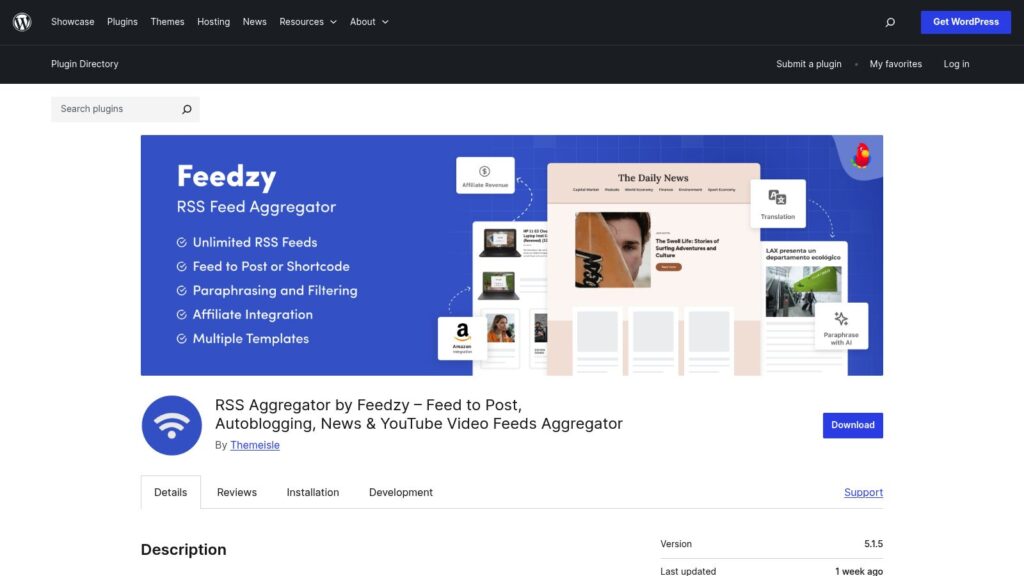
RSS Aggregator by Feedzy – Feed to Post, Autoblogging, News & YouTube Video Feeds Aggregator

RSS Aggregator by Feedzy is a WordPress plugin by Themeisle that allows users to curate, autoblog, and import unlimited RSS feeds, including news and YouTube video feeds, directly into their site as posts, pages, or custom post types. It offers features like automated scheduling, keyword filtering, image importing, and integration with tools like OpenAI, with premium options providing advanced import controls, multiple filters, and affiliate link management to boost site content, SEO, and audience engagement.

https://wordpress.org/plugins/feedzy-rss-feeds/

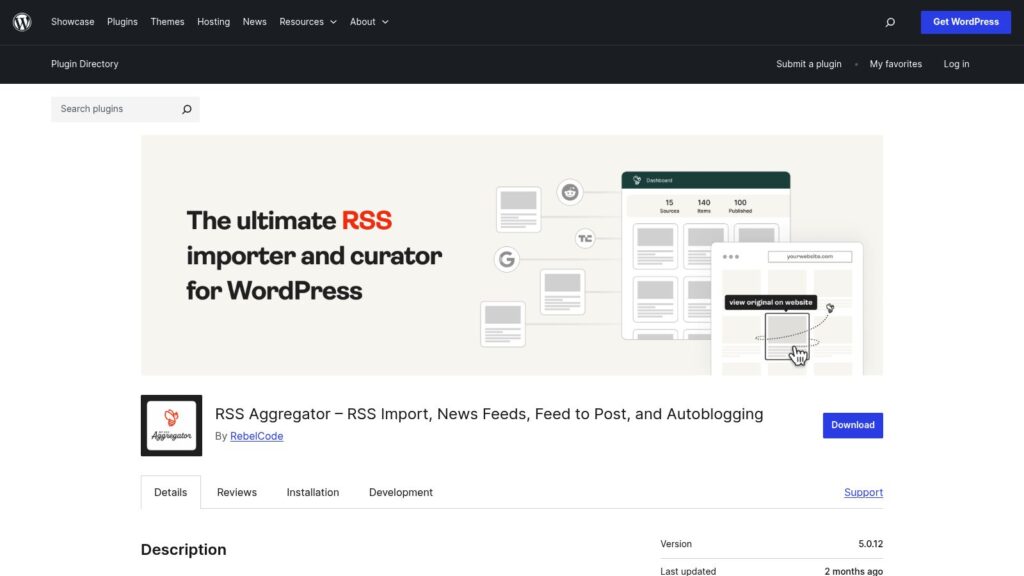
RSS Aggregator – RSS Import, News Feeds, Feed to Post, and Autoblogging

WP RSS Aggregator is a popular WordPress plugin used by over 50,000 websites to import RSS feeds and build news aggregators or autoblogging sites. It offers features such as auto-discovery of RSS feeds, customizable display options, automatic content updates, and built-in attribution to original authors while supporting unlimited feed sources. Premium upgrades add advanced capabilities like converting feeds to posts, full-text imports, content curation, video aggregation, and AI integrations, making it a versatile tool for content curation, syndication, and aggregation on WordPress sites.

https://wordpress.org/plugins/wp-rss-aggregator/

How to Optimize Your WordPress Robots.txt Like an Expert

The article explains how to optimize the robots.txt file in WordPress to control how search engine crawlers index site content, thereby improving SEO. It covers locating and editing the file, either manually or through plugins like Yoast SEO, details key rules such as Disallow and Allow, and offers best practices including adding sitemaps and avoiding blocking important pages. The guide emphasizes that while robots.txt helps prioritize essential pages for indexing, it is not a security tool and should be used carefully to maximize site visibility.

https://wplift.com/how-to-optimize-your-wordpress-robots-txt-like-an-expert/

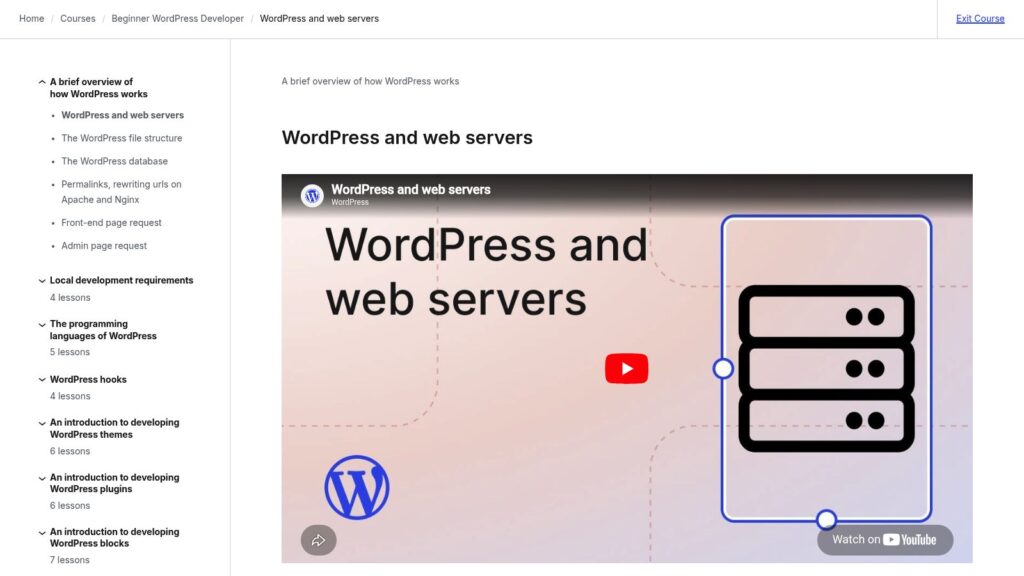
WordPress and Web Servers

This lesson introduces how WordPress works with web servers, explaining that WordPress is a web application running on servers typically using the LAMP stack (Linux, Apache, MySQL, PHP) or LEMP stack with Nginx instead of Apache. It details how web servers handle requests, serve files, execute PHP code, interact with the MySQL database, and deliver content to browsers, providing an essential foundation for developing custom WordPress sites, themes, and plugins.

https://learn.wordpress.org/lesson/wordpress-and-web-servers/

Why Is WordPress Slow? Learn How to Fix It with Our 11 Expert Tips

A slow WordPress website frustrates visitors, lowers search rankings, and reduces sales, making speed optimization crucial. WPBeginner explains that common causes of slow WordPress sites include outdated software, lack of caching, absence of a CDN, too many HTTP requests, unoptimized images, inefficient plugins, and slow hosting. They recommend practical fixes such as updating WordPress and plugins, using caching plugins, employing a CDN, minimizing HTTP requests, optimizing images, and maintaining the database to improve site speed and enhance user experience.

https://www.wpbeginner.com/wp-tutorials/why-is-wordpress-slow-and-how-can-you-fix-it/

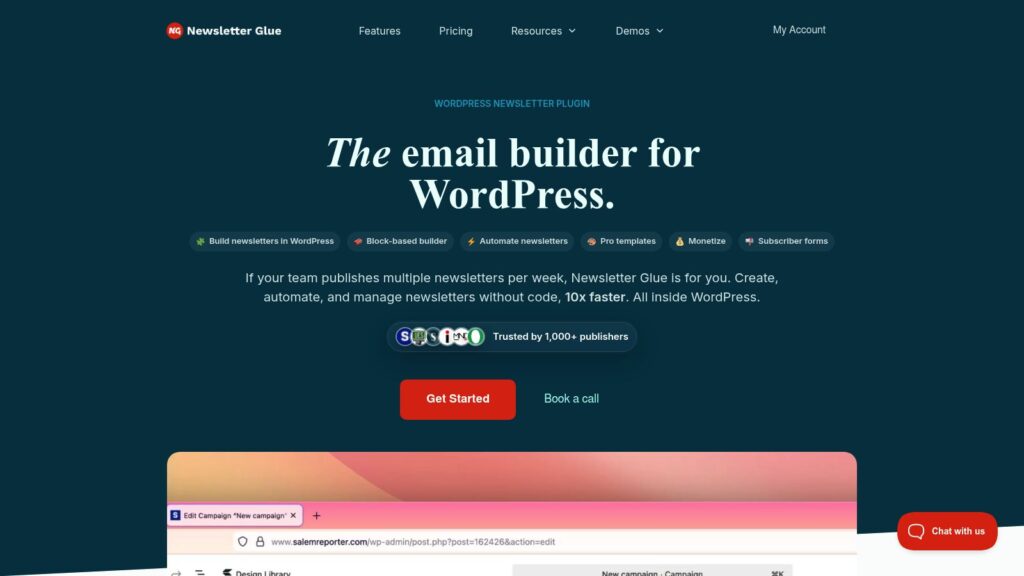
Newsletter Glue – WordPress Newsletter Plugin

Newsletter Glue is a WordPress plugin designed to streamline the creation, automation, and management of newsletters directly within WordPress, allowing publishers to save time and increase efficiency without coding. It integrates with existing email service providers and supports customizable templates, subscriber forms, and SEO-friendly newsletter archives, making it popular among newsrooms and media companies to grow their subscriber base and site traffic.

https://newsletterglue.com/

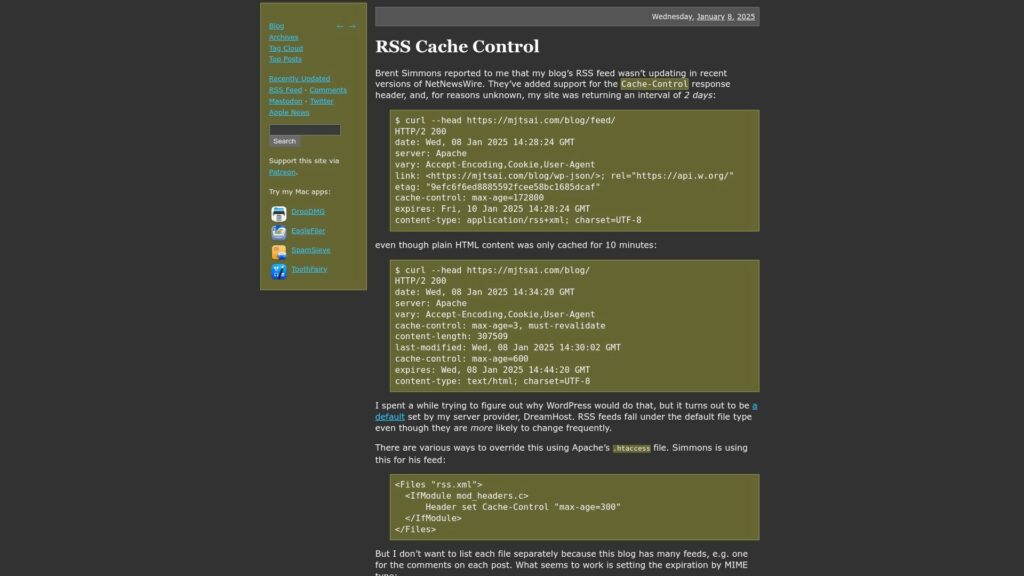
RSS Cache Control

Brent Simmons notified Michael Tsai that his blog's RSS feed was not updating in NetNewsWire due to a 2-day cache control interval, set by DreamHost. This interval contrasts with the 10-minute cache for HTML content. Tsai explored ways to adjust this in the Apache .htaccess file. He prefers a MIME type-based solution for all feeds instead of listing them individually. Users previously faced delays receiving updates, which should be resolved with the new settings.

https://mjtsai.com/blog/2025/01/08/rss-cache-control/

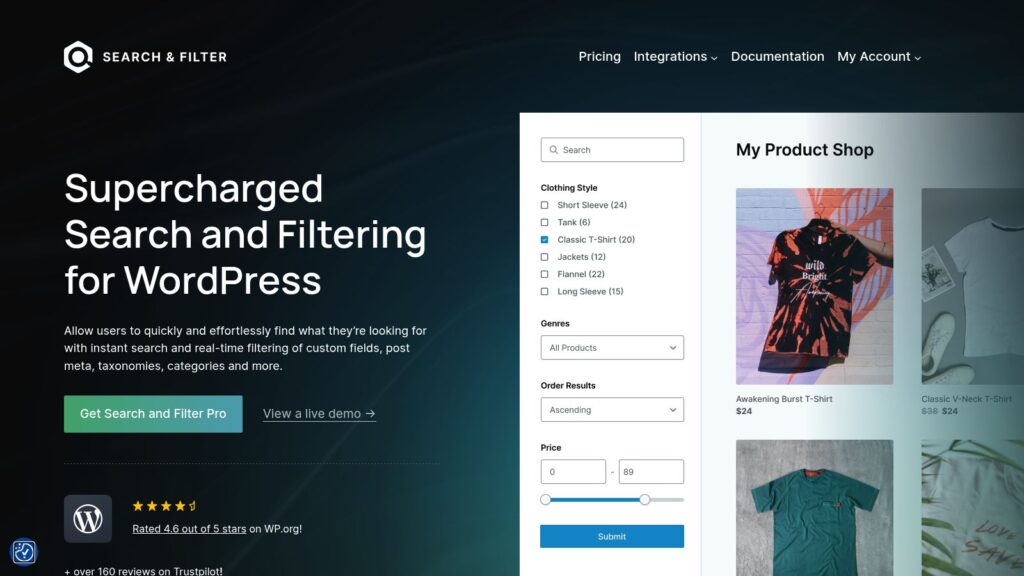
Home – Search & Filter Pro

Search & Filter Pro is a powerful WordPress plugin that enables users to quickly search and filter content based on custom fields, taxonomies, post meta, and categories, with support for WooCommerce and other integrations. It offers high-speed performance, extensive customization options, and over 10 years of reliable support, helping more than 50,000 active users enhance the search experience on their websites.

https://searchandfilter.com/

ClickSocial – Social Media Scheduler & Poster

Smash Balloon offers easy-to-use WordPress plugins that allow over 1.75 million users to seamlessly display customizable social media feeds from platforms like Instagram, Facebook, Twitter, YouTube, TikTok, and Google Reviews on their websites. Designed for speed, reliability, and SEO friendliness, these plugins require no coding, automatically inherit website styles, and include features like feed caching, analytics, and GDPR compliance. With highly-rated customer support and options to access all plugins in a bundle, Smash Balloon helps businesses and creators leverage social media to boost engagement, conversions, and online presence.

https://clicksocial.com/

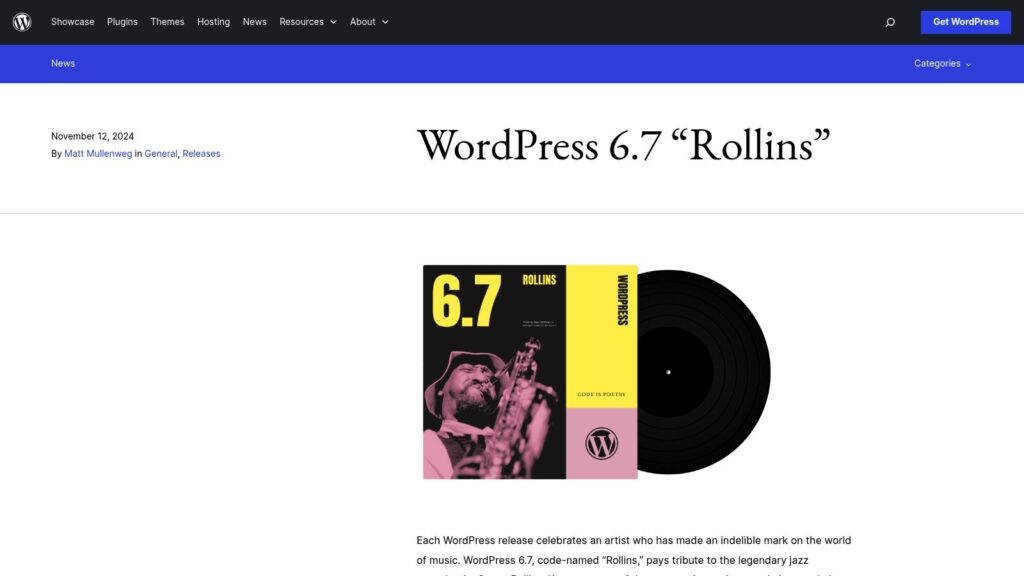
WordPress 6.7 “Rollins”

WordPress 6.7 “Rollins,” named after jazz saxophonist Sonny Rollins, introduces the modern Twenty Twenty-Five theme for enhanced design flexibility, new font management features, a Zoom Out view for site editing, and streamlined dynamic content creation by connecting blocks to custom fields with ease. The release also includes over 65 accessibility improvements, performance optimizations, and many enhancements contributed by more than 780 community members, reflecting WordPress’s commitment to empowering creators and democratizing publishing.

https://wordpress.org/news/2024/11/rollins/

Download Free Image Compression WordPress Plugin

Optimole is a cloud-based image optimization solution for WordPress that automatically optimizes unlimited images in real time, converts them to modern formats like WebP and AVIF, and serves them via a global CDN to improve website load times, SEO, and Core Web Vitals. Trusted by over 200,000 websites, it offers features such as responsive image sizing, lazy loading, and bandwidth reduction by delivering tailored images from a CDN instead of the main server.

https://optimole.com/wordpress

Scroll to Top